
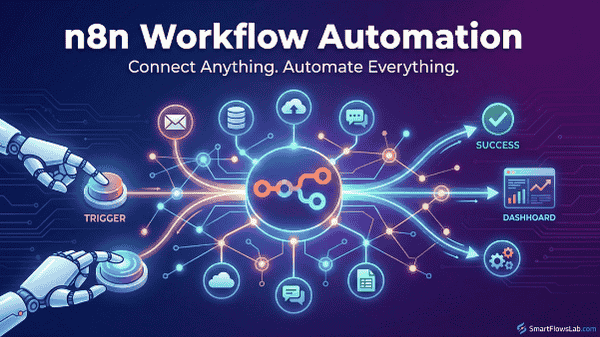
Workflow automation might sound like something for IT specialists only, but n8n makes it surprisingly accessible for everybody who wants to streamline their processes. This powerful tool lets users automate tasks and connect apps without writing a single line of code.
So, what is n8n? It’s an open-source tool designed to simplify routine workflows. You can imagine it as a digital assistant that takes care of repetitive tasks. Whether you’re dealing with emails, managing spreadsheets, or updating social media, n8n can take care of it with ease.
Automation has become crucial in any modern workflow. By automating repetitive tasks, businesses can save time, reduce errors, and increase productivity. n8n opens up these possibilities by offering a flexible platform for anyone to create custom workflows.
n8n’s journey began with the goal of providing a more accessible entry point for individuals and teams into automation. Over time, it has evolved to become one of the most versatile tools available, largely thanks to its open-source nature and active community. This community not only contributes to its growth but also ensures it remains useful and relevant to a wide variety of users.
By understanding the basics of n8n, you start on a path to more effective task management. With technology constantly changing and improving, tools like n8n empower users to handle complex processes with minimal effort.
The Power of Automation: What Can I Automate with n8n?
n8n offers a wide range of automation possibilities that can significantly enhance your productivity, from the simplest tasks to more complex operations. One of n8n’s strengths is how it integrates with various third-party applications like Google Drive, Twitter, and many others. You can automate everyday tasks like scheduling social media posts, managing email triggers, and even processing and analyzing data effortlessly.
So, what can you automate with n8n? Practically anything that involves moving information from one app to another about tasks like importing data from emails into a spreadsheet or sending notifications when a project milestone is reached. The key is identifying repetitive tasks that take up time and are prone to human error — n8n can handle these, freeing you up for more strategic work.
The real beauty of n8n lies in its ability to connect even less common or custom applications through webhooks or API, ensuring seamless data flow across your preferred platforms. This can be particularly useful for developers and tech-savvy users who want to integrate unique systems they use daily.
By using n8n for business efficiency, you can set up triggers and actions to keep your work running smoothly around the clock. Whether it’s an e-commerce platform sending order confirmations automatically or a marketing department tracking leads, the potential for increased efficiency is substantial.
To see the impact of n8n in action, look at case studies of businesses that have successfully implemented automation with n8n. These insights provide a practical glimpse into how this tool can help other users foster innovation and store time using intelligent automation solutions.
Comparative Analysis: n8n vs. Zapier
Choosing between n8n and Zapier can be tricky, especially when both offer robust automation features. The choice often boils down to your specific needs in flexibility and customization. n8n shines in its open-source nature, allowing for a more tailored approach to automation compared to Zapier’s more fixed structure. This flexibility is a strong point for tech enthusiasts who love tinkering with custom solutions.
When it comes to user interface and experience, Zapier tends to be more intuitive for those just starting out. Its straightforward, user-friendly design makes setting up basic automations a breeze. On the other hand, n8n might have a steeper learning curve initially, but it pays off with a more extensive range of customizable options as users become more adept.
In terms of performance, both platforms are speedy and reliable, but n8n’s open-source nature means users can potentially optimize for specific tasks, which gives it a slight edge in certain scenarios. Zapier has a big head start in terms of stability from years of refinement and broad user base feedback.
Community support can make a big difference too. Zapier has a well-established support network, which is great for instant help. Meanwhile, n8n’s growing community is vibrant and dedicated. This active involvement is crucial for new feature suggestions and troubleshooting, although the response time might be slower than Zapier’s formalized support channels.
Choosing the right platform really depends on what fits your situation best. If you’re after a platform that’s straightforward with a strong support network, Zapier is the way to go. But if you value customization and open-source flexibility, n8n offers a distinct advantage, especially for those willing to dive into more complex configurations.
Understanding the Cost: Is n8n Automation Budget-Friendly?
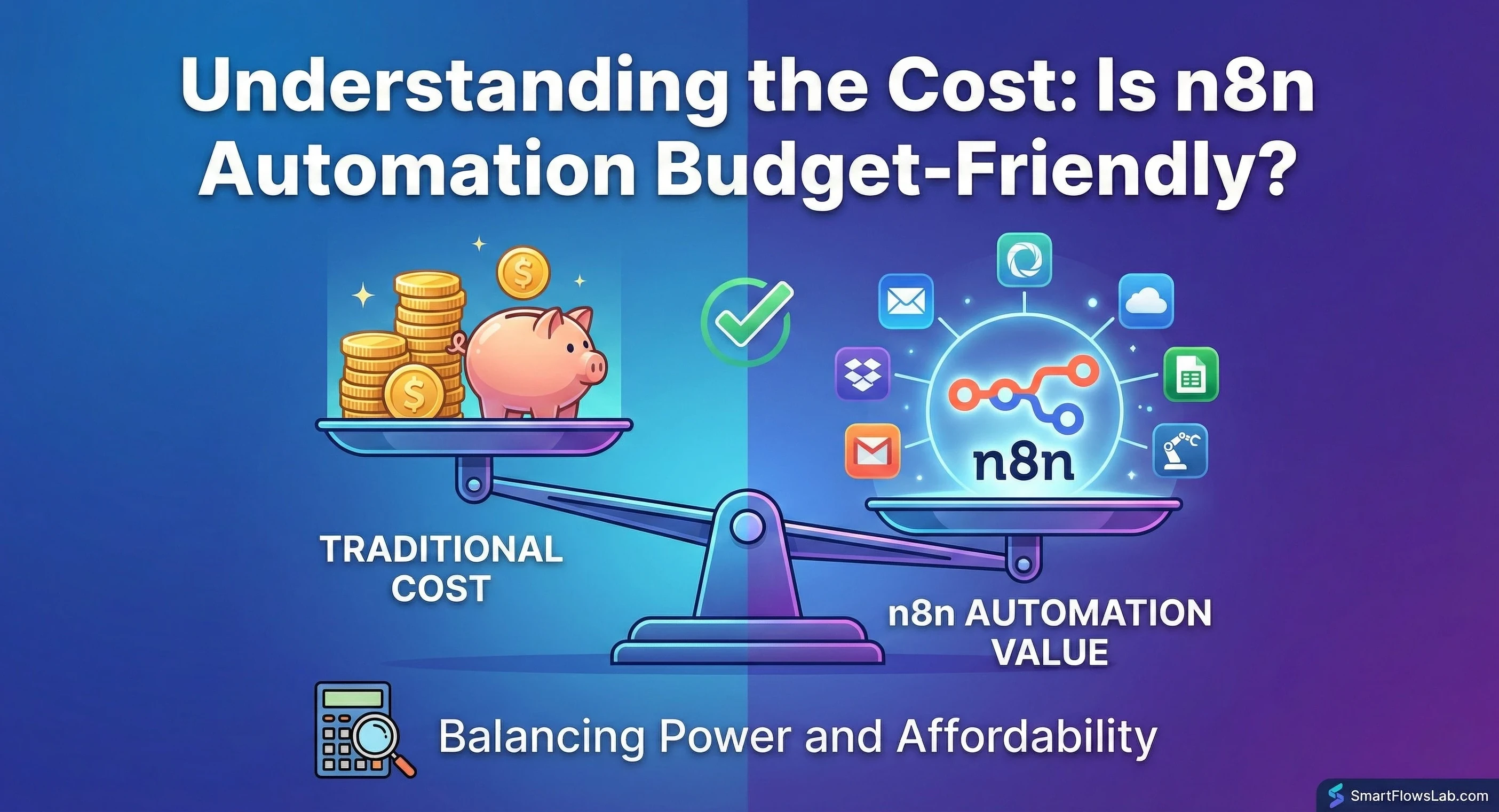
Looking into automation costs is an important step in deciding if n8n fits your budget. Compared to many competitors, n8n offers a distinctive advantage—it’s free to use at its core, given its open-source nature. Users can self-host and utilize n8n without incurring subscription costs, which can be a huge benefit for small businesses and individual users.
As operations scale up, however, there might be associated expenses such as server hosting and maintenance. These costs can vary based on the hosting provider and the complexity of the operations being automated. For those who prefer a managed service, n8n.cloud offers a pricing model that caters to various needs, allowing businesses to choose between different tiers based on the volume of workflows and executions.
While looking at costs, it’s smart to compare n8n with other tools on the market. Zapier, for instance, operates purely on a subscription basis, which can add up over time, especially for teams with extensive automation needs. This makes n8n potentially more cost-effective, especially in the long run, for users willing to manage their own hosting or choose appropriate cloud plans.
From a budget-conscious standpoint, the potential return on investment with n8n is notable. Freeing up team resources through automation can result in significant savings and productivity gains.
If keeping costs low is a priority, n8n provides several budget-friendly options, from self-hosting to flexible cloud subscriptions. It’s about finding the right balance between initial setup costs and long-term savings through efficient workflow management.
The “AI Agent” Revolution (v2.0) While Make is great for linear tasks, n8n has become the king of AI Agents in 2026. With the new v2.0 update, you can build “autonomous” bots that can reason, browse the web, and make decisions—with built-in “Human-in-the-loop” nodes to approve actions before they happen. If you are building AI employees, n8n is currently the superior choice.
Addressing the Downsides: Challenges and Limitations of n8n
While n8n offers numerous benefits, there are some challenges users might face. One of the more common issues is the initial learning curve. For those new to automation or without a technical background, setting up workflows can seem daunting. However, leveraging community resources, tutorials, and forums can ease this transition.
Another consideration is scalability. While n8n is quite flexible, handling large and complex workflows with a significant number of executions can demand more server resources, potentially increasing costs and requiring meticulous optimization.
Security can also be an area of concern, especially since n8n often involves connecting various apps and sensitive data. Users must ensure they set up secure environments and adhere to best practices for data security. n8n’s open-source community actively focuses on improving these aspects, but users need to remain vigilant.
Despite its openness, not all integrations are available out-of-the-box like some other automation platforms. This could mean spending more time creating custom connections, though this also offers greater control over the integration process.
Overcoming these limitations often involves a willingness to engage with the community, invest time in learning, and perhaps a bit of technical tweaking. Once you get past these hurdles, n8n can be a powerful ally in optimizing workflows and enhancing efficiency.
Conclusion: Maximizing Workflow Efficiency with n8n
n8n provides a robust platform for those looking to simplify and streamline their processes, offering a great deal of flexibility, especially for users willing to explore its full potential. Its open-source model presents a valuable opportunity to tailor automations closely aligned to specific needs, potentially driving significant productivity gains.
Automation with n8n is about more than just cutting down on manual tasks; it’s about rethinking how workflows operate to incorporate innovative solutions that bring real-world benefits. For businesses, this could mean faster operations and improved accuracy. For individuals, it’s a time-saver that allows more focus on creative or strategic tasks.
With current trends in technology leaning heavily on customization and personal empowerment, n8n stands out as the go-to choice for those wanting to embrace the future of workflow automation. By experimenting with workflows and engaging with the active community, users can discover efficiencies they might not have realized were possible.
Encouragement to explore further is key—each workflow is a step towards a more agile and streamlined approach to work. The potential for n8n to revolutionize how tasks are managed is massive; with a bit of patience and creativity, its users are well-equipped to unlock powerful automations.
Really enjoyed this deep dive into n8n. Your breakdown of how it compares to other tools like Zapier are super helpful, especially the sections on self-hosting and advanced logic nodes. As someone who values customization but gets overwhelmed by complexity, your honest take on the learning curve was much appreciated.
One question for you: What type of user or business case do you think is the ideal fit for n8n over a more plug-and-play platform? And do you have a favorite “first workflow” you recommend people build to get comfortable with the interface?
This was one of the clearest and most practical n8n overviews I’ve read—thanks for making it so actionable!
Appreciate that, Cian! N8n is often overlooked because people think it’s too ‘technical,’ but the node-based visual editor is actually very intuitive once you try it. I’m planning deeper dives into specific n8n blueprints soon, so stay tuned.
Great breakdown of how approachable automation has become. I like how you demystify n8n and frame it as a practical tool rather than something reserved for hardcore developers. The emphasis on identifying repetitive, error-prone tasks is key, because that’s where automation delivers immediate wins. Your comparison with Zapier is also fair and helpful, especially the point that ease of use and flexibility often sit on opposite ends of the spectrum. Highlighting self-hosting as a cost-saving path adds real value for small teams and solo builders. It’s also refreshing to see the community aspect mentioned, since open source strength often comes from shared problem-solving. Articles like this lower the barrier to experimentation and encourage people to rethink how much manual work they still accept as normal in their digital workflows before scaling tools or teams.
Thanks, Andrejs! It is amazing how far we have come. A few years ago, you needed a Python developer to do what we can now do with a simple drag-and-drop node in n8n. The barrier to entry is so low now that there is really no excuse for small businesses not to automate at least a few of their workflows!
Thanks for the introduction — as someone completely new to workflow automation, I’m curious how n8n actually executes a workflow from start to finish. Could you walk through a concrete example of a simple workflow (for instance, collecting form responses and then sending an automated email) and explain how each step gets connected in n8n? I’d love to understand what the actual setup process looks like, where beginners usually run into challenges, and how debugging or testing works in a real use case.
Hi HalfAmazing! That is the perfect question to ask before diving in. The beauty of n8n is that it is visual—you don’t write code; you draw a map of your process.
Here is a concrete example of a ‘Contact Form to Email’ workflow:
The Trigger (The Ear): You drag a Webhook Node onto the canvas. This gives you a unique URL to paste into your form builder (like Typeform or Elementor). It ‘listens’ for new data.The Action (The Hand): You drag a Gmail Node next to it. You connect them with a line.The Connection (The Brain): You click the Gmail node and use the ‘Expression Editor’ to drag the ‘Email Address’ field from the Webhook data into the ‘To’ field of the Gmail node.
The Challenge: Beginners often struggle with Data Mapping. n8n sees data as ‘JSON’ (code), so you have to learn how to select the right ‘variable’ from the previous step.
The Debugging: It’s incredible. You can click ‘Execute’ and see the data flow through the wire in real-time. If it stops at the Gmail node, it turns red and tells you exactly why (e.g., ‘Invalid Email’).