
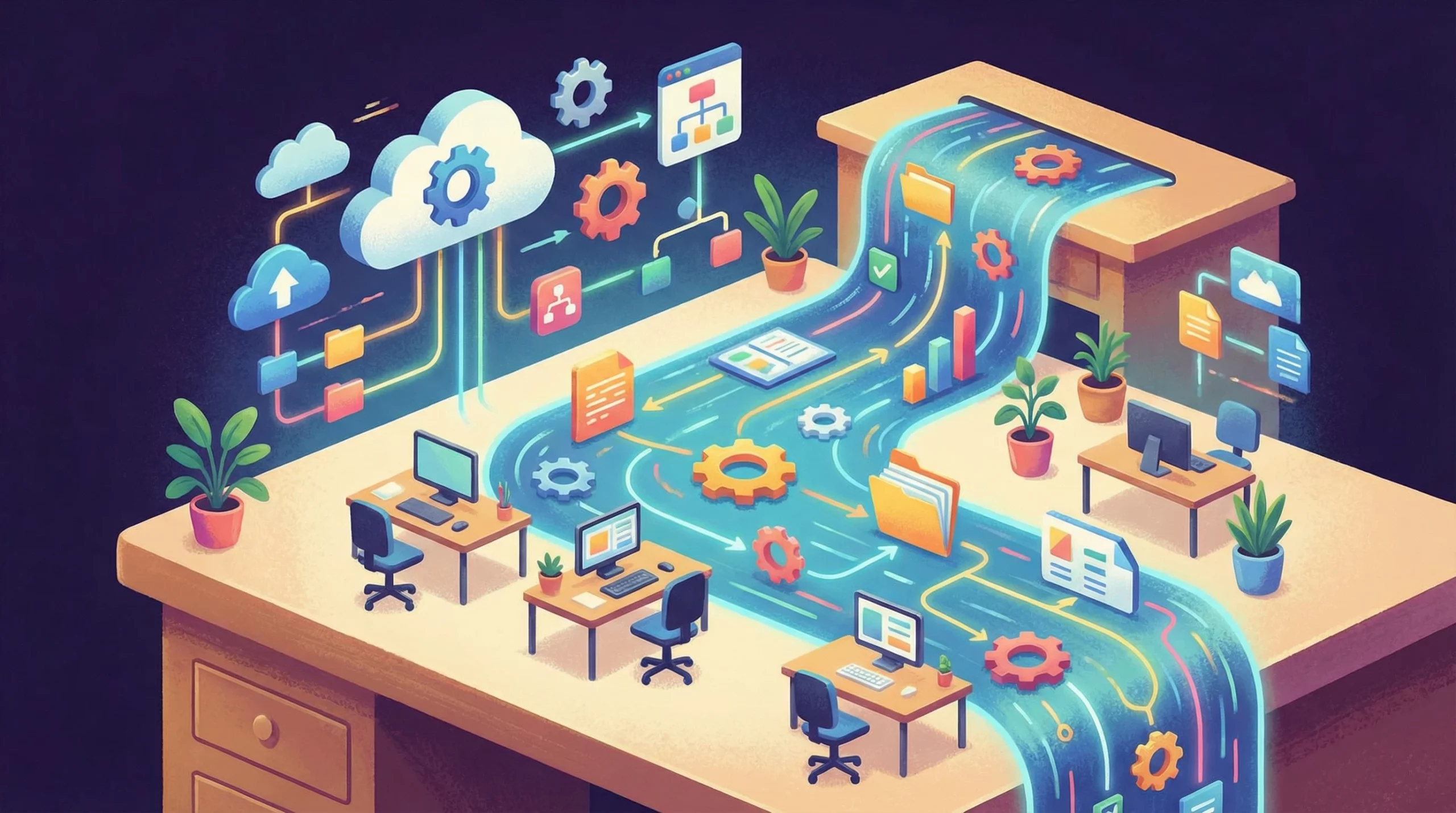
The benefits of workflow automation are transforming how small businesses operate in 2026.
Small business ownership comes with a mountain of admin work that can slow down the real progress I want for my company. Payroll, invoice chasing, approvals, and onboarding that daily back-and-forth quickly becomes overwhelming, even with a small team. I’ve seen many solopreneurs fall into this “Admin Trap,” handling everything by hand, just because that’s how it’s always been done.But it doesn’t have to be this way. By connecting tools like my billing system (App A) with my email platform (App B), I use workflow automation to move the most boring, repetitive work off my plate, leaving more time to focus on clients and growing my business.
What is Workflow Automation? (And How It’s Different From Marketing Automation)
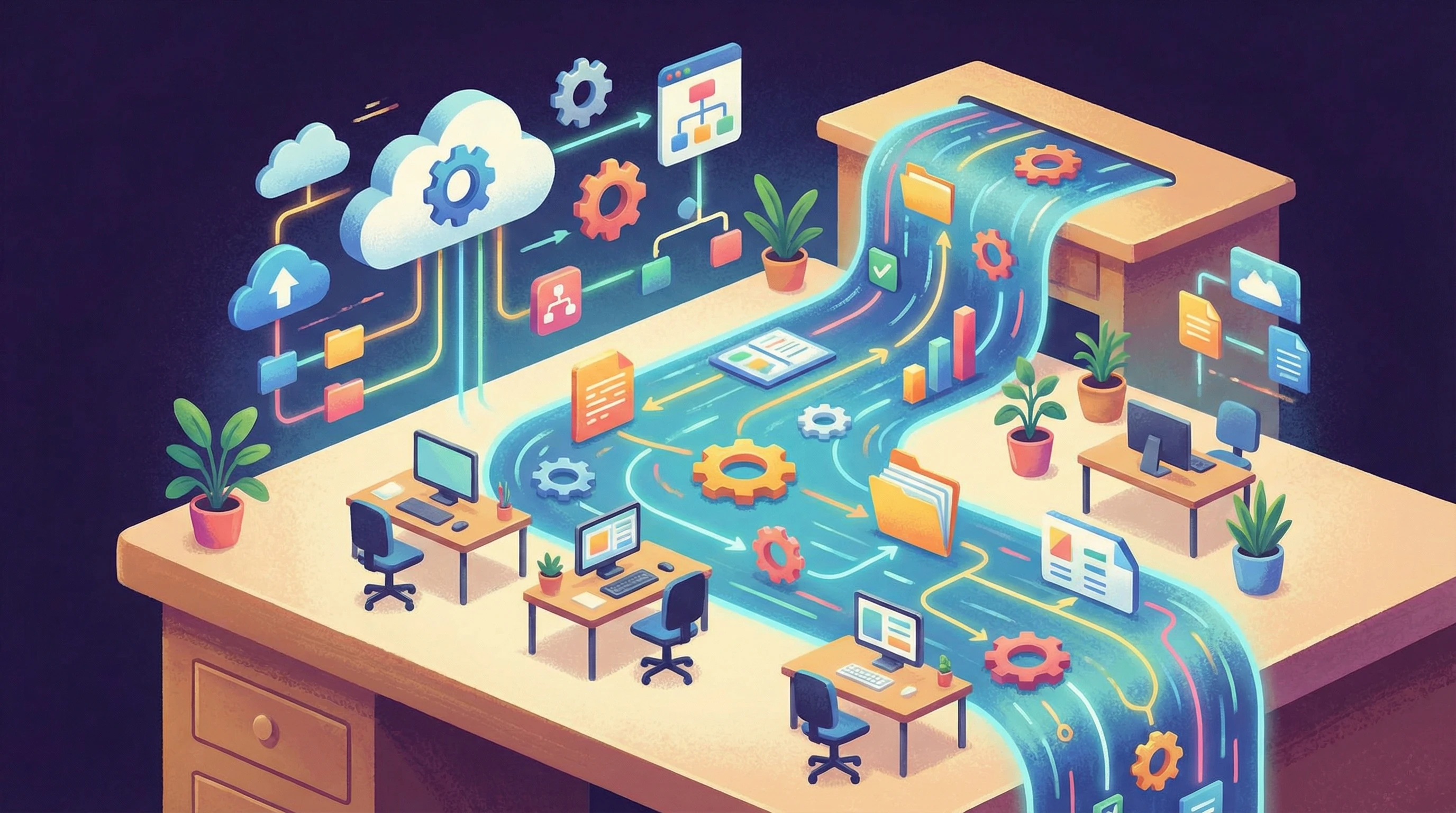
Workflow automation is the process of connecting business apps so routine tasks run themselves. For example, an HR tool can create an employee account automatically in the payroll system when someone is hired. One of the primary benefits of workflow automation is that it saves me time by cutting out manual data entry, approvals, and other repetitive back-office work.
Marketing automation, on the other hand, is mostly about growing revenue by attracting and communicating with leads (think automated email campaigns, sales funnels, and social media posts). While that’s essential, workflow automation aims to keep my business dependable by making sure nothing vital falls through the cracks. This means automating tasks in HR, finance, and admin, not sending more promotional emails. Operations run smoothly because the boring jobs get done automatically and consistently.
7 Game-Changing Benefits of Workflow Automation
In 2026, nearly 80% of businesses like mine are adopting workflow automation to get ahead. I’ve seen firsthand how it creates real change across every small business function. To truly understand the benefits of workflow automation, we need to look at how they impact your bottom line. Here are the seven key advantages:
- Time Savings
- Error Elimination
- Lower Operational Costs
- Faster Response Times
- Scalability
- Team Collaboration
- Compliance & Security
1. Time Savings (Save 240-360 Hours a Year Per Employee)
Admin work can be a huge time drain, especially in small businesses. By using workflow automation, my team saves about 240 to 360 hours per year that would otherwise be spent on repetitive admin. This adds up to about one to two months of full-time labor, just from automating things like scheduling, payroll, or document sorting. Instead of chasing down paperwork, I can focus my time on projects that actually grow the business or free up hours for myself. It’s a real game changer, especially in a tiny team where every hour counts.
2. Error Elimination (Reduce Human Error By 40-75%)
Data entry mistakes and missed tasks add up quickly, and one typo in payroll or finance causes real headaches. Automation tools are programmed to follow instructions without fail, so they eliminate human slip-ups between 40% and 75%. Important data moves between apps automatically, so I avoid embarrassing billing mistakes, missed approvals, or lost records. That level of reliability gives me peace of mind, and prevents small errors from growing into larger disruptions for my business or my clients.
3. Lower Operational Costs (Cut Expenses by 30%)
Every small business wants to do more with less. By building automations for the worst administrative bottlenecks in HR, finance, or project management, I can drop operational expenses by about 30%. This means spending less on outsourced admin help or overtime hours, and less on fixing mistakes caused by manual work. Many solopreneurs use this savings to reinvest in better tools or team training, turning wasted admin time into real business progress.
4. Faster Response Times (24/7 Task Management)
Clients and vendors expect quick responses, sometimes when I’m not even online. Automated workflows run in the background no matter the time, so invoices get sent instantly, receipts are delivered right away, and leave requests are managed even outside office hours. This 24/7 coverage helps my business look professional and responsive, even when I’m handling other work, asleep, or spending time with family.
5. Scalability (Grow Without More Hiring)
One of the long-term benefits of workflow automation is that it lets me scale without hiring more people, but workflow automation lets me handle extra clients and more tasks with the same team. When most of my processes run automatically, I can accept more work without adding headcount or creating burnout. As a result, my growth isn’t capped by the size of my admin team; my business workflows handle the load.
6. Team Collaboration (Dashboards and Shared Views)
Everyone working from a single source of truth is really important in small businesses. Shared dashboards and automated notifications help my team keep track of what’s happening, whether it’s new project tasks, leave requests, or approvals. Instead of chasing status updates, I can just check a dashboard and see what’s waiting for action. Transparency keeps everyone on the same page, makes switching work between colleagues easier, and cuts down on unnecessary meetings.
7. Compliance & Security (Automatic Audit Trails)
Keeping up with tax laws, data privacy, or industry regulations can feel overwhelming, especially when my documents and records are scattered. Workflow automation takes care of audit trails automatically, keeping lists of who did what and when. If I ever need to show compliance or investigate an issue, I have logs ready. This helps keep my business safe, organized, and ready for audits without extra stress.
Real-World Workflow Automation Examples
To see the benefits of workflow automation in action, here is how it looks in practice for small businesses like mine:
Employee Onboarding (Automatically Create Slack/Email Accounts)
When I hire someone new, instead of sending separate requests to IT and HR, I set up an automation to create new accounts in Slack, Gmail, and my scheduling tool automatically as soon as a new hire is added to my HR system. This makes onboarding fast and welcoming, and nobody starts Day 1 missing access.
Finance (Auto-Send Invoices and Receipts)
In finance, automations connect my invoicing tool to my client email system. When a project is marked “complete” or a bill is paid, the automation immediately sends invoices and receipts to the right people. No more late billing, manual follow-ups, or clients waiting on paperwork. This improves my cash flow and keeps my records tidy.
How to Maximize the Benefits of Workflow Automation (3 Easy Steps)
Rolling out automation in my small business comes down to a simple process. Here’s how I guide others through it:
- Map the Process – I pick one admin task that slows me down, like tracking time off or processing reimbursements. I write out the steps, making sure I know who needs to do what.
- Pick the Tool – For simple, beginnerfriendly automation, I recommend Zapier. If I’m processing high volumes and want lower costs, Make (formerly Integromat) is very flexible. For those who are technical and want control or privacy, n8n offers open source, selfhosted workflow automation.
- Test and Launch – I always run the workflow with test data first, making sure it works perfectly before setting it live. Automation works best when I tweak it over time, so a little patience pays off huge here.
Some businesses jump into automation by starting with a single process, then gradually adding more as confidence and needs grow. If you ever get stuck, most platforms have community forums and guides available, and even beginnerfriendly tools offer customer support to answer questions and smooth the way for your first automations.
Frequently Asked Questions
These are the questions small business owners bring up most often when they’re thinking about using workflow automation:
How do I choose the right workflow automation tool?
Picking the best tool depends on my comfort with technology and how complex my workflows are. Zapier is the goto for most beginners because of its userfriendly interface. There’s very little coding or setup, and it connects hundreds of business apps with easy, stepbystep recipes. If my needs grow or I need to automate hundreds of tasks a month, Make (formerly Integromat) offers lower prices for higher usage, and supports complex logic without massive costs.
If I want to keep my company data under my own control or like tinkering, n8n can be selfhosted and is best for technically confident users who want flexibility, privacy, or to build very customized connections. I always ask myself what tasks I want to automate, how many I expect to run, and if I’ll need custom logic or integrations. Then I can pick the tool that suits my workflow best.
Is workflow automation expensive for small businesses?
The cost is much lower than I expected. Most tools run on a “freemium” model, so I can try them out without paying upfront. For basic needs or a small number of automation runs, the free shelves of tools like Zapier or Make are more than enough. Once I move up or want more connections, the average price is around $20 a month, which is a fraction of what I would spend on bookkeeping or admin hours. Considering the massive benefits of workflow automation, the monthly cost is negligible compared to the value of saving hundreds of hours a year.
What are the common challenges of workflow automation?
One challenge I see is overautomating, where people try to automate every single process before they’ve fixed the basics. If I create automations around a broken or unclear process, I just do inefficient work faster. It’s important to map out the process and make sure it makes sense before adding automation. Another issue is “broken APIs.” Since automation tools rely on connecting with other online services, if one platform changes its API or has an outage, the automation can stop working. Setting up notifications for failures and checking logs now and then helps keep everything running smoothly. I keep things simple at first, add more as workflows prove reliable, and always have a backup plan if something fails.
Will automation replace my employees?
No, automation is not about replacing people. It’s about removing repetitive, lowvalue tasks so staff can do more creative or strategic work, the kind that only humans do well. I call this the “SuperEmployee” result: automation takes the boring parts, and my team focuses on work that moves the business forward. This boosts satisfaction, helps me retain good employees, and means my business runs better with fewer mistakes and more initiative.
What is the difference between AI Agents and Standard Automation?
In 2026, standard workflow automation still runs on rules I set up (“If a bill is paid, then send a receipt”). AI Agents mark a new trend; they use artificial intelligence to make decisions with some judgment or flexibility. For example, a standard workflow might redirect all emails from customers to support, but an AI Agent can “read” the message, tell if the customer is upset, and escalate it to me before things get worse. AI Agents bring extra value when tasks require a decision, not just a repeatable rule, and they’re becoming easier for small businesses to use.
Wrapping up, workflow automation is an allinone solution that lets small business owners reclaim their time and simplify operations. By moving routine business tasks to reliable, automated workflows, you unlock new ways to grow and keep your team focused on what really matters. If you’re tired of admin overwhelm and ready for more productive hours, workflow automation could be the game changer you need to level up your business adventure. Whether you’re just starting out or looking to optimize what you already have in place, take the first step, and see how much smoother your business can run with the right automations in place.
Wrapping up, the benefits of workflow automation go far beyond just saving time—they completely transform how small businesses operate.
This was a great overview. For beginners, could you expand a bit on how workflow automation differs from marketing automation or basic task automation? Specifically, how do the goals and outcomes change, and what’s a realistic first workflow a small business could automate without technical experience? A simple example would make this much easier to visualize.
Hi HalfAmazing! That is such a crucial distinction. Think of it this way:
Task Automation handles single actions (e.g., ‘Save this Gmail attachment to Dropbox’).
Marketing Automation focuses on talking to customers (e.g., ‘Send a newsletter’).
Workflow Automation connects internal processes (e.g., ‘When a contract is signed -> Create a Project Folder -> Alert the Team -> Send Invoice’).
For a beginner, I recommend starting with Lead Notification. Connect your website contact form so that every time someone fills it out, it instantly sends you a text or Slack message. It’s simple, but it stops leads from getting lost in your email!
I really enjoyed reading this post because it explains workflow automation in a way that feels clear and realistic, not overly technical. I especially liked how you showed that automation is not just about saving time, but also about reducing mistakes and helping teams work more smoothly together. The point about scalability stood out to me, since many small businesses struggle when they start growing and processes become messy. It made the whole topic feel much more practical and achievable. If someone is completely new to automation, which one of these benefits do you think they would notice first after implementing their very first automated workflow?